

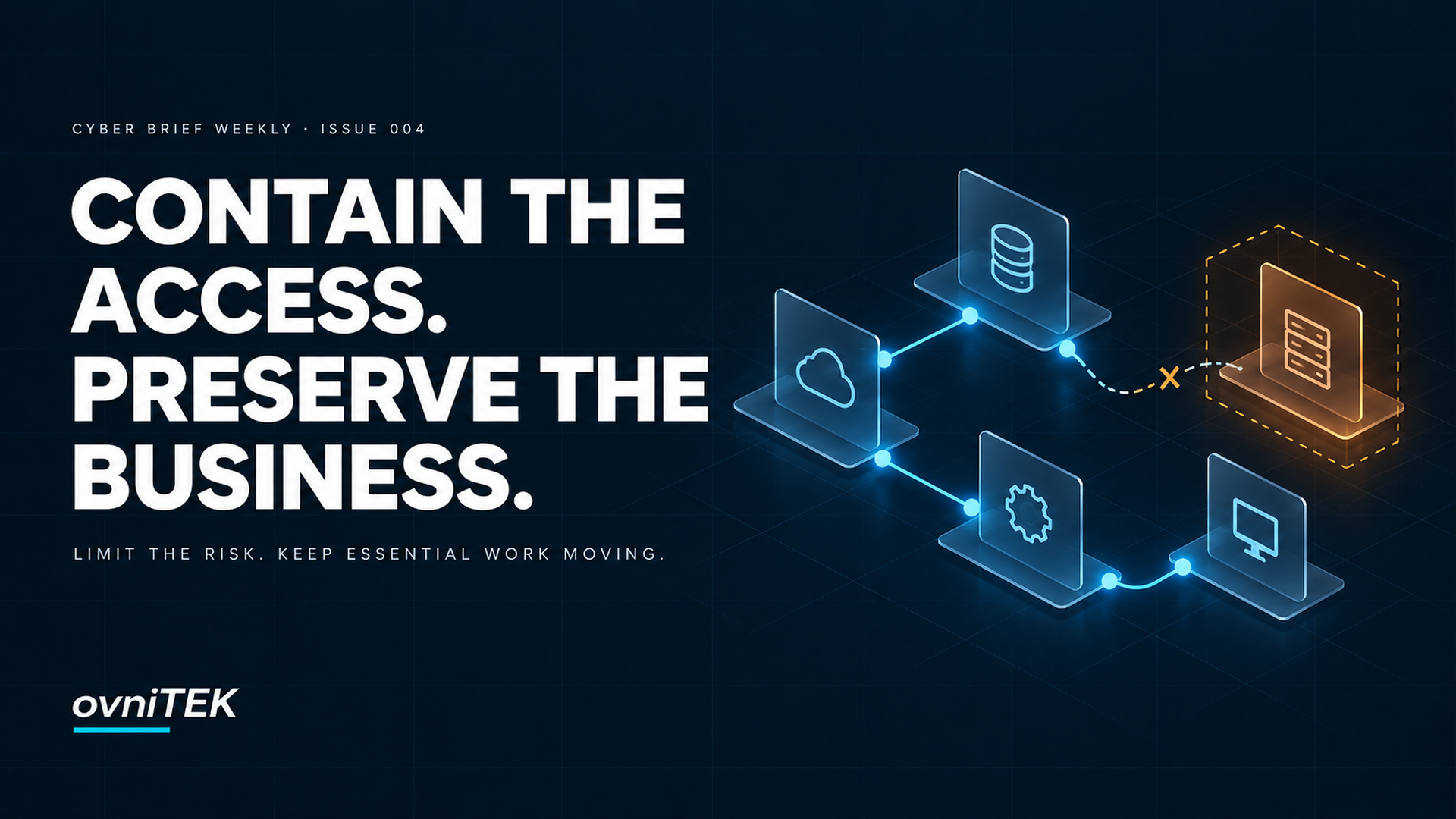
A suspicious contractor account needs to be disabled. An AI agent needs access to a project. A critical application may need to be disconnected during an incident.
Each situation raises two questions: what must stop, and what can safely continue?
Answer only the first and a security action may create avoidable business disruption. Answer only the second and continuity may become a reason to leave dangerous access open.
Across Cyber Briefs #031–#036, the recurring lesson is that containment and continuity need to be designed together. Know the access you can restrict, the authority to restrict it, and the essential service that must survive the restriction.
Decide who can accept controlled disruption
The UK NCSC’s October 1 guidance on critical decisions explicitly recognizes that disconnecting systems can itself interrupt operations. It recommends identifying decision authority, risk appetite, escalation thresholds, and relevant legal or regulatory considerations before an incident.
That turns “we can isolate the server” into a business decision: who can approve the interruption, under what conditions, and with which fallback?
For a small organization, this need not mean a large committee. Name an owner and deputy, specify what responders may do immediately, and define which decisions require escalation. Keep the instructions accessible if normal communications fail.
Our recommendation is to exercise the uncomfortable trade-off, not just the contact list. If the usual approver cannot be reached, can the team still interrupt a risky connection without inventing authority under pressure?
Make the boundary real before relying on it
On October 7, Microsoft announced general availability of Microsoft Execution Containers, describing policies that restrict an agent workload’s files, network access, and execution environment independently of the agent.
Its Windows process-container modes illustrate an important distinction. Learning blocks and records ungranted access; Permissive records it but allows it. Other operating-system and organizational restrictions still apply. Microsoft describes additional identity and Intune management capabilities as forthcoming, and isolation properties vary by backend.
This is a vendor capability announcement, not proof that every agent deployment is safely contained.
The broader lesson is practical: an instruction to avoid production is not the same as removing production write access. A report that records an attempted action is not necessarily a control that prevents it.
For any automation, define the permitted task, resources, credentials, and destinations. Test safe examples of both allowed work and denied actions. A boundary is useful when the legitimate task still works and excess authority does not.
You cannot isolate what you have not identified
The NCSC’s exposure guidance identifies forgotten or unknown systems as possible entry points and recommends discovering unknown parts of the attack surface.
An old remote-access service is not harmless because it is missing from the inventory. Equally, an unfamiliar endpoint is not automatically yours or compromised. Validate ownership, purpose, reachability, and dependencies before deciding what to change.
Detection needs the same discipline. The NCSC recommends Protective DNS and Early Warning services to help disrupt malicious connections and identify threats. Our operational takeaway: connect an external indicator to the relevant internal asset and activity before selecting a containment action.
A blocked connection alone does not establish whether earlier access succeeded. An address without a time-aware asset match may not identify the right device. The goal is an actionable scope, not merely an alert to forward.
Closing an account is not closing every access path
The U.S. Department of Justice’s October 13 announcement describes coordinated actions against North Korean remote IT-worker schemes. The indictment alleges that facilitators hosted employer-issued laptops and installed remote-access software. The announcement also reports Texas operations conducted September 21–25. Allegations are not findings of guilt.
Our takeaway is not to treat remote workers or VPN use as inherently suspicious. It is to avoid confusing an employment decision with completed security containment.
A credible report should enter coordinated security triage with HR and legal. Depending on the findings, the scope may include active sessions, secrets, repository access, device custody, and remote-control tools—not only the main login.
Preserve relevant records through approved procedures and choose restrictions proportionate to the evidence and urgency. Verify the resulting access state; a completed offboarding ticket is not that verification.
Preserve an operating path—not an unsafe exception
The NCSC’s recovery guidance, published July 28 and reviewed October 1, organizes recovery around minimum viable operations: enough capability to operate safely and meet essential obligations. It addresses trusted identity, dependencies, recovery workstreams, and security-reviewed workarounds with review dates.
Our recommendation is to define the minimum business outcome before counting restored systems.
For example, if a customer portal is isolated, an approved alternative intake process might preserve essential service. That is an illustrative option, not a universal solution: the alternative still needs appropriate identity checks, data protection, ownership, and a plan to reconcile records later.
Continuity does not mean reconnecting an untrusted system because people need it. It means knowing which safer operating arrangements are acceptable while investigation and recovery continue.
A practical exercise for this week
Choose one important workflow—payroll, customer intake, order fulfillment, or another service—and work through five questions with its business owner and technical lead:
- What access can we restrict? Identify the accounts, sessions, devices, service connections, and automation permissions involved.
- Who can authorize the restriction? Name the owner, deputy, delegated limits, and escalation route.
- What essential work must continue? Define a minimum service outcome and an approved fallback, including its dependencies.
- How will we test both sides? In a safe exercise, show that the restricted action fails and the permitted workflow still works.
- What allows normal access to return? Agree checks, accountable approval, and review dates for temporary arrangements.
This is an ovniTEK exercise, not a prescribed NIST form. NIST CSF 2.0 supports the underlying outcomes: defined risk-management authority (GV.RR-02), protection against unauthorized logical access (PR.IR-01), validated incident triage (RS.MA-02), and prioritized recovery actions (RC.RP-02).
Start with one workflow and record where the exercise breaks: missing ownership, an access path nobody can revoke, a supplier dependency, or a fallback that has never been tested.
The objective is not to promise uninterrupted operations. It is to make a controlled restriction possible without improvising the business response at the same time.
If you had to restrict a critical access path today, what could your business still do safely?
Sources and further reading
NCSC critical decisions · Microsoft Execution Containers · NCSC exposure guidance · NCSC detection guidance · DOJ announcement · NCSC recovery guidance · NIST CSF 2.0
Cyber Brief Weekly is an independent ovniTEK publication. NIST CSF 2.0 references provide educational alignment, not NIST endorsement, certification, or a guarantee of security.